
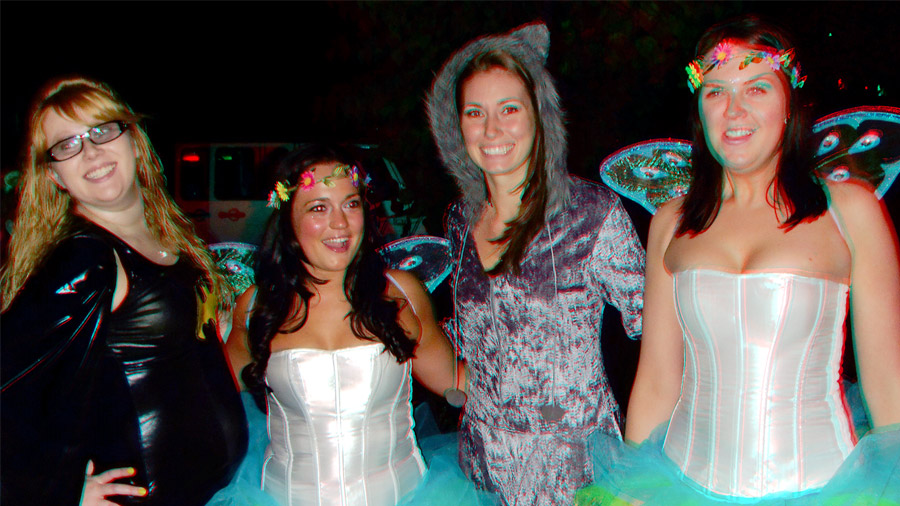
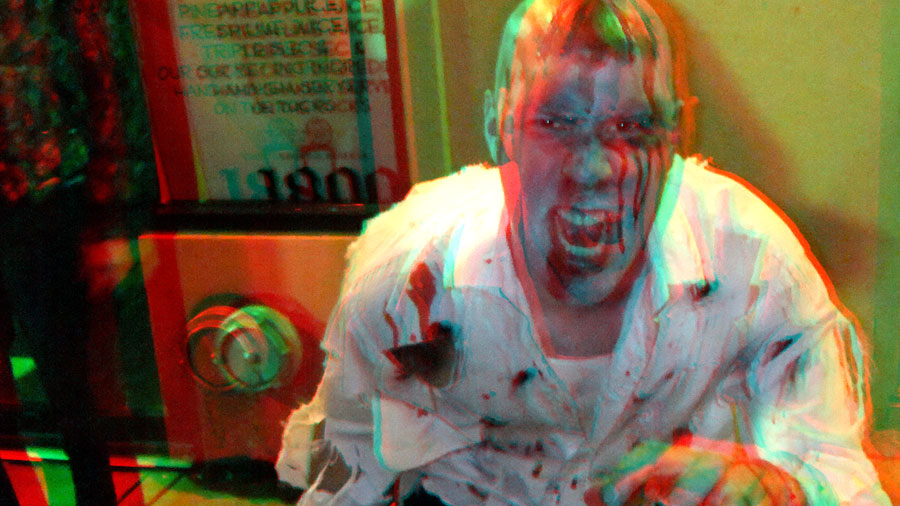
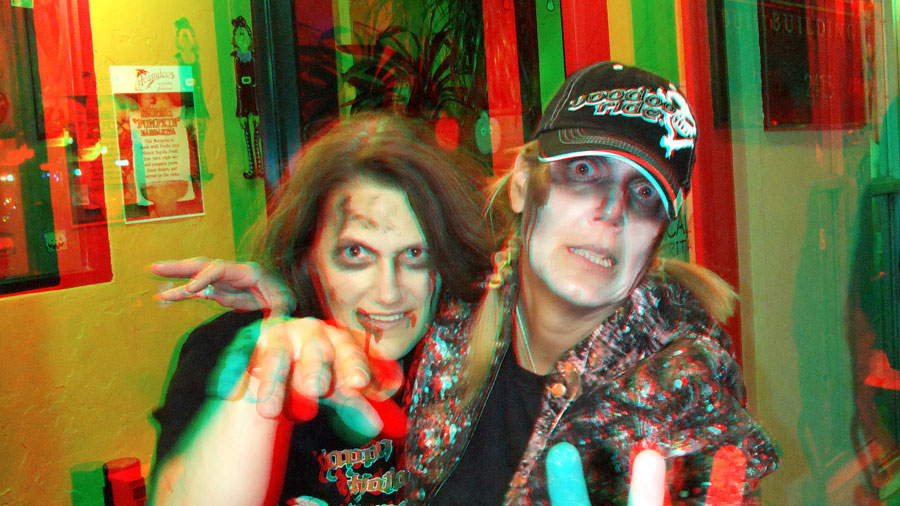
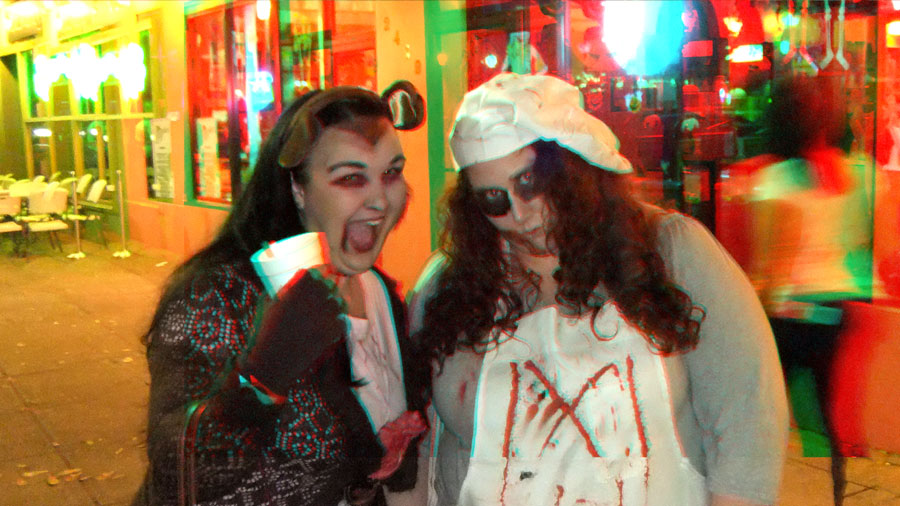
3D Photos – Zombie Walk – October 26, 2012
November 8, 2012
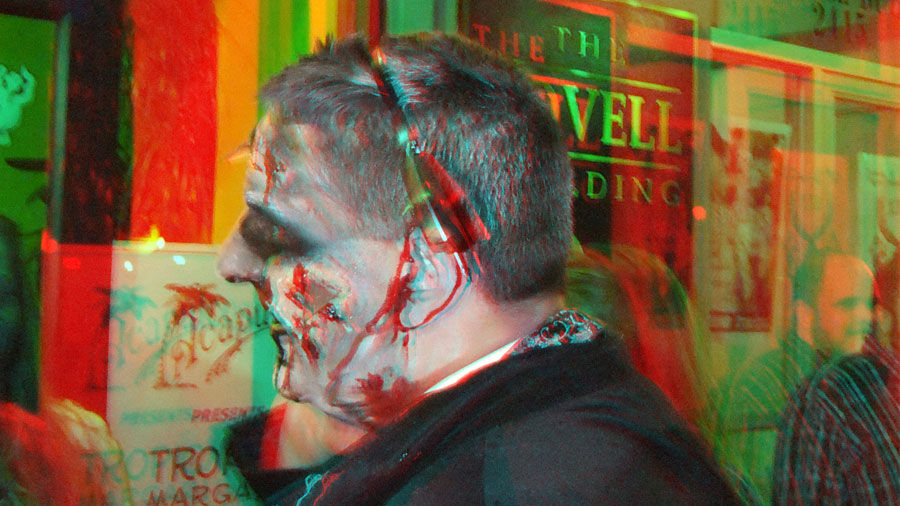
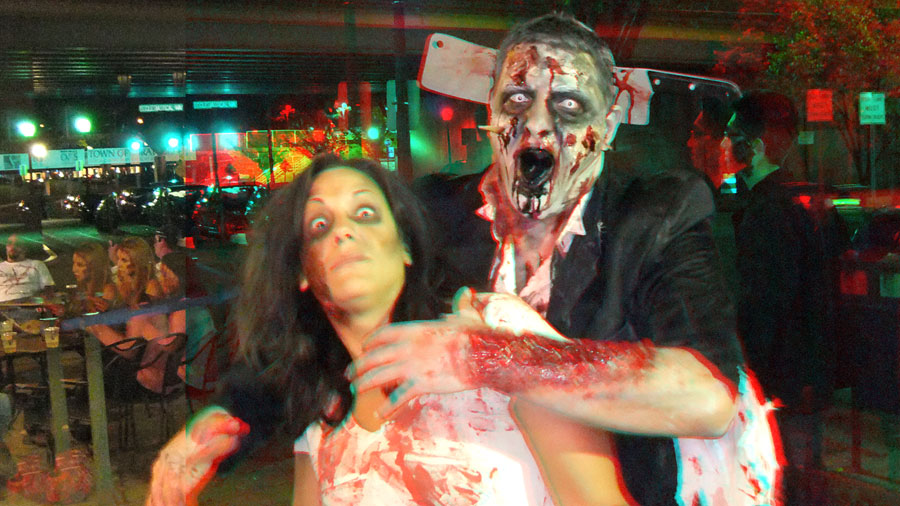
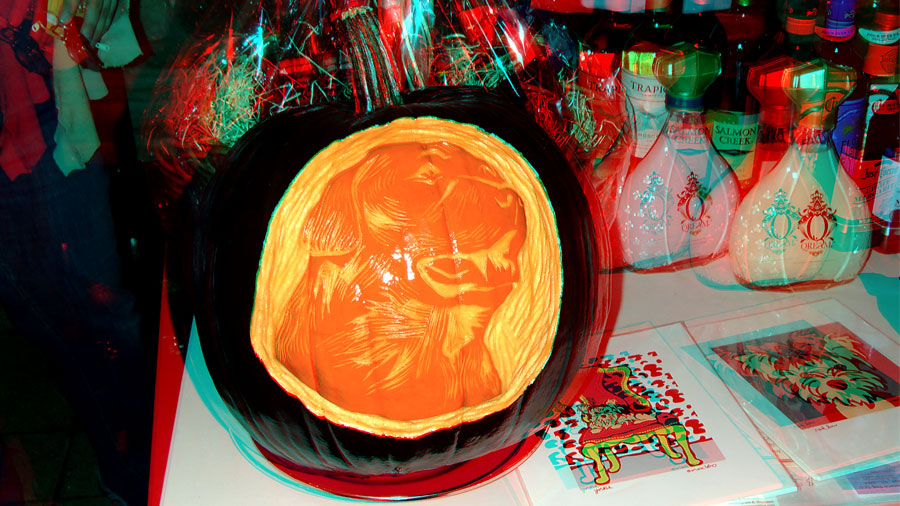
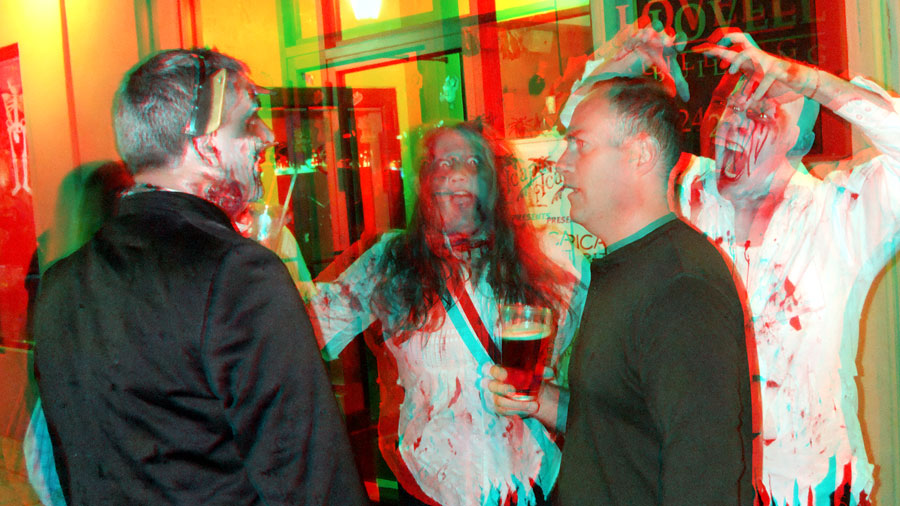
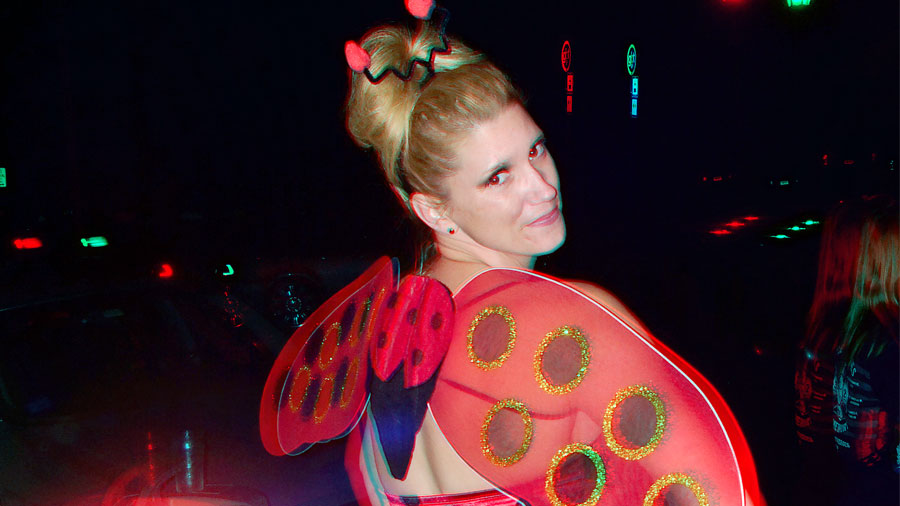
Red–Cyan Anaglyphs of various Creatures of the Night as encountered during the recent Zombie outbreak in Southwestern CT. To view images as a full size slide show, click on [View with PicLens].











Rain Drops at Night – 3D Flower Anaglyphs
May 26, 2012
Please click on images to open full size. Red-Cyan glasses required for 3D viewing.




Highest Resolution Single-Shot Photo of the Earth by Russian Weather Satellite
May 23, 2012
 NASA scientist Robert Simmons sniffs, “They’re not any better or worse than NASA images, but they show different things.”
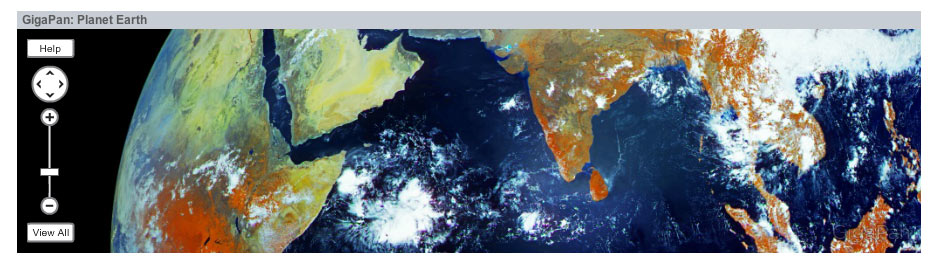
That sounds like sour grapes over this amazing image of Planet Earth captured by a Russian weather satellite, Electro-L. The satellite is in orbit 22,369 miles above the equator and takes a picture every 30 minutes at a resolution of 121 megapixels.
The picture displayed above was taken in a single snap shot. NASA’s wonderful, inspiring shots of the Earth are generally composites of several images. Click here for a scalable image and a video version of this cutting edge off-the-planet photography.
“In 3-D: How Mariano Rivera Dominates Hitters” – The New York Times
May 23, 2012

As a child of the 1960s I understand that there are no sacred institutions in American life and no matter how they strive to do good work, things sometimes go horribly wrong. There was an age, long ago, when The New York Times was considered the national newspaper of America and its coverage believed, by most, to be definitive.
But institutions are made up of people, and so can fail prey to all the standard human weaknesses, demonstrated by the Jayson Blair plagiarism/fabrication scandal of a decade ago. Also, given the explosion of media and content provided by the InterWebs the former dominance and power of individual newspapers, magazines and broadcasters has been eroding. I’m no futurist but it’s clear to everyone that journalism must change to accommodate these new realities.
Still, I would say that the Times gets far more things right than they do wrong. I’ve often linked to their articles in the past and will continue to do so. Today I’d like to show a little love to Times for exploring new ways to inform their readers. Take a look at this 3D anaglyph video breaking down the technique of New York Yankee’s pitcher Mariano Rivera’s “Cut Fastball” by Graham Roberts, Shan Carter and Joe Ward. (You’ll need red-cyan glasses to view it). It’s an example of how information can be delivered to an audience that was never before possible in the context of daily journalism. Click on image for larger size.
Great Bokeh Photography – It’s All About the Background!
April 30, 2012
What is Bokeh?
In photography bokeh is defined as the blur in the out-of-focus areas of an image. These can be either good or bad aesthetically. Bad, especially if they are distracting. The Fab Web has a great selection of photographs that exhibit ‘good’ bokeh.
Selective focus can enhance your photography. A shallow depth of field is one requirement. There are also filters that can change the shape or appearance of the bokeh in an image, as you’ll see in these examples.

Martin Scorcese: 3D is the Future of Film Technology
April 26, 2012
As readers here know I’ve been shooting 3D still photographs (in one format or another) for almost 20 years. I’m also a fan of (well-done) 3D film.
Recently I’ve attended 3D film technical conferences where I’ve expressed skepticism that 3D film and TV will be the future of those mediums. Now one of the most accomplished and respected American filmmakers of all time, Martin Scorcese begs to differ with my opinion.

So I’m thinking, what the hell does he know? (No, not really). What I’m actually thinking is, hey, I may be wrong.
In his own words:
“There is something that 3-D gives to the picture that takes you into another land and you stay there and it’s a good place to be. . .It’s like seeing a moving sculpture of the actor and it’s almost like a combination of theater and film combined and it immerses you in the story more. I saw audiences care about the people more.”
Photographer Chris Kotsiopoulos: One 24 Hour Day in 360° Panorama
April 21, 2012
OK, there are a lot of great, creative, inventive photographers out there these days. With the rise of digital photography and cameras part of everyone’s cell phones and tablet computers it’s easy to conclude that there are more images being captured today than at any other time in history. And so the competition to make memorable photographs is equally great.
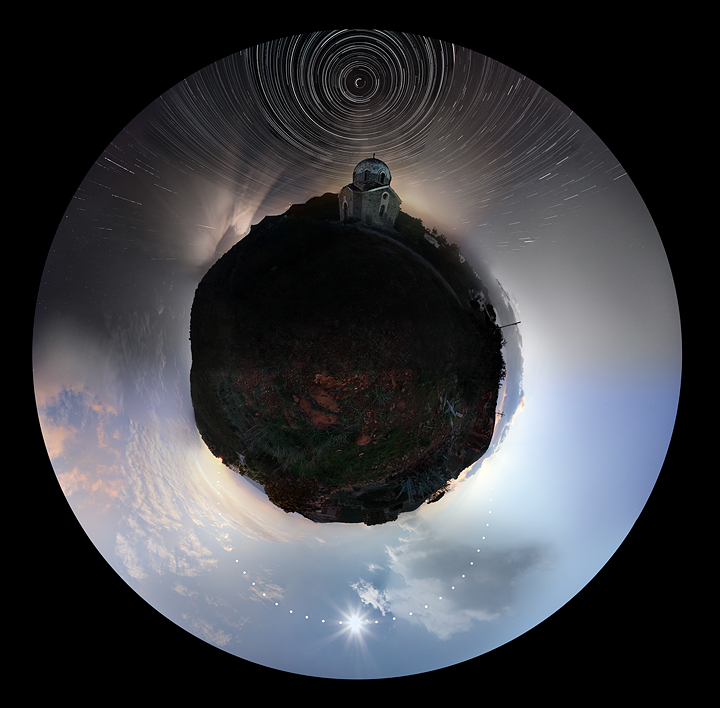
Now here is a fascinating idea, executed superbly: capturing one 24 hour day in a 360° panorama image.
The photographer is Chris Kotsiopoulos and for an explanation of exactly how he achieved this go to his website, here. I think this is simply amazing. Click on image for larger size.
How to Bleach Images in Photoshop from Mac|Life
April 21, 2012
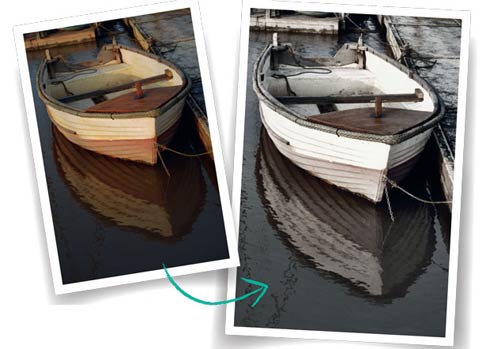
The bleached out color effect is a popular one these days and you may have wondered exactly how this is achieved. This tutorial on the “bleach bypass process” by Rob Lawton from the Mac|Life website shows you how to do it in clear, easy to follow steps.
I’ve been a subscriber to their print magazine since it was called MacAddict and was the first American Mac-centric publication to include a CD-ROM with each issue back in 1996.
The editorial tone is far less fannish and insular these days and more accurately reflects the broad appeal of Apple products to the audience beyond the fanboys. They used to have an inane stick-figure mascot named Max and their reviews used to rate software and products from “Blech” to “Freakin’ Awesome.”
At that time it always seemed to me a mash-up of skate-board kulture and computing. Adults would hide their copies behind an issue of the more mainstream and respectable MacWorld (where New York Times tech columnsit David Pogue got his start).
Today no one needs to hide their copies of Mac|Life; it’s been one of the most successful re-brandings of a print publication in this new century, IMO.
Bacon Roses
April 20, 2012
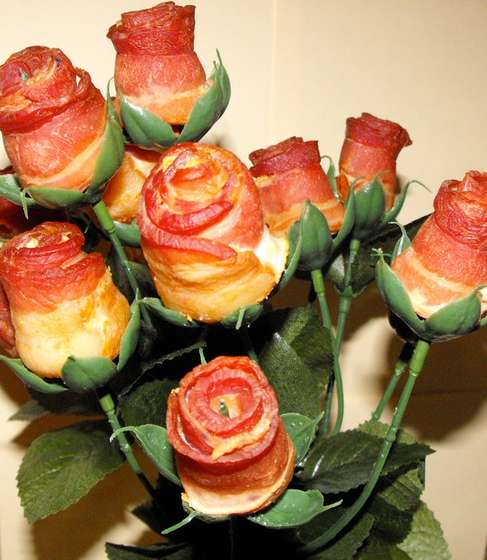
I was speaking with a neighbor the other day about how my religion prohibits exercise – hail Satan! – and has as its primary sacraments Bacon and Cheesecake (the finest in the world comes, of course, exclusively from Junior’s on Flatbush Avenue in Brooklyn).
Later that same day I was perusing pages on the InterWebs and came across this photo (below).
More proof, as if any was needed, that there’s nothing that can’t be improved by adding bacon. . .
Mandy Barker’s Amazing Environmental Photography
March 27, 2012
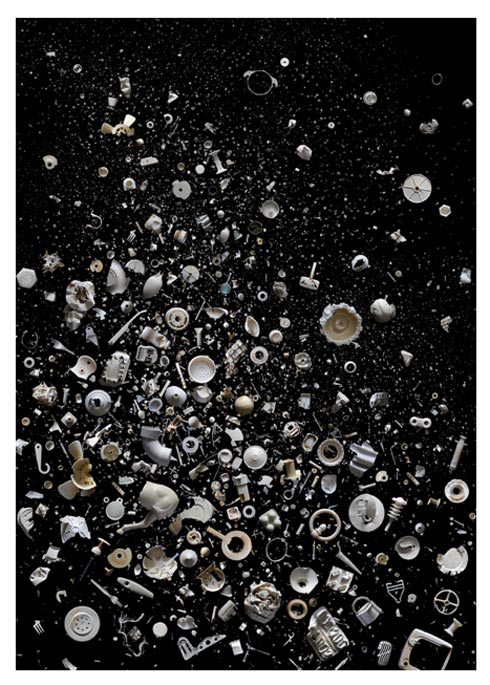
The image above is by photographer Mandy Barker, from a series called Snow Flurry where the objects in the picture are plastic waste that has been collected from beaches around the world. I find these images beautiful and haunting as images. But the knowledge that they are representative of the disdain in which we treat our planet, quite literally trashing it, gives these photos incredible power. Barker is doing important and compelling work and I urge you to check out more of it on her website.
Here’s a list, as provided by Barker, of the contents of this image. . .
Includes: draught piece, padlock, industrial mask, bread tie, margarine tub, cake decoration pillar, paracetamol packaging, syringe, oil cap, plunger, paintbrush handle, hard hat, dummy, fishing reel, bobbin, pump dispenser, horse’s leg, garden furniture chair leg, tooth pic, propeller, glasses arm, flask lid, fire alarm casing, tie hanger, ceiling rose, ball of tape, football, clothing hook, hot drinks lid, plate, sewing reel, party mask, shard, tile spacer, pen top, aerosol nozzle, hat, toothpaste tube, tops, caps, lids, balloon valve, washing peg, rivet, pipe bracket, knife, fork, spoon, lolly stick, arrow, sucker, handle, milk capsule, straw, egg holder, firework holder, coat hanger, balloon, drinks stirrer, carton, 90 degree angle, tent peg, medicine tablet lid, toilet deodorizing holder, tube, plumbing flange, seal, sweet container, Tic Tac lid, comb, wheel, link, hoop, wrist band, thread, bottle, nut, football cone, screw, face mask, tray, ring pull, plug, shower rail hook, pan, steering wheel, Frisbee, bubble blower.